
Use this setup to include EBP tracking codes on specific document templates for proper documentation and reporting.
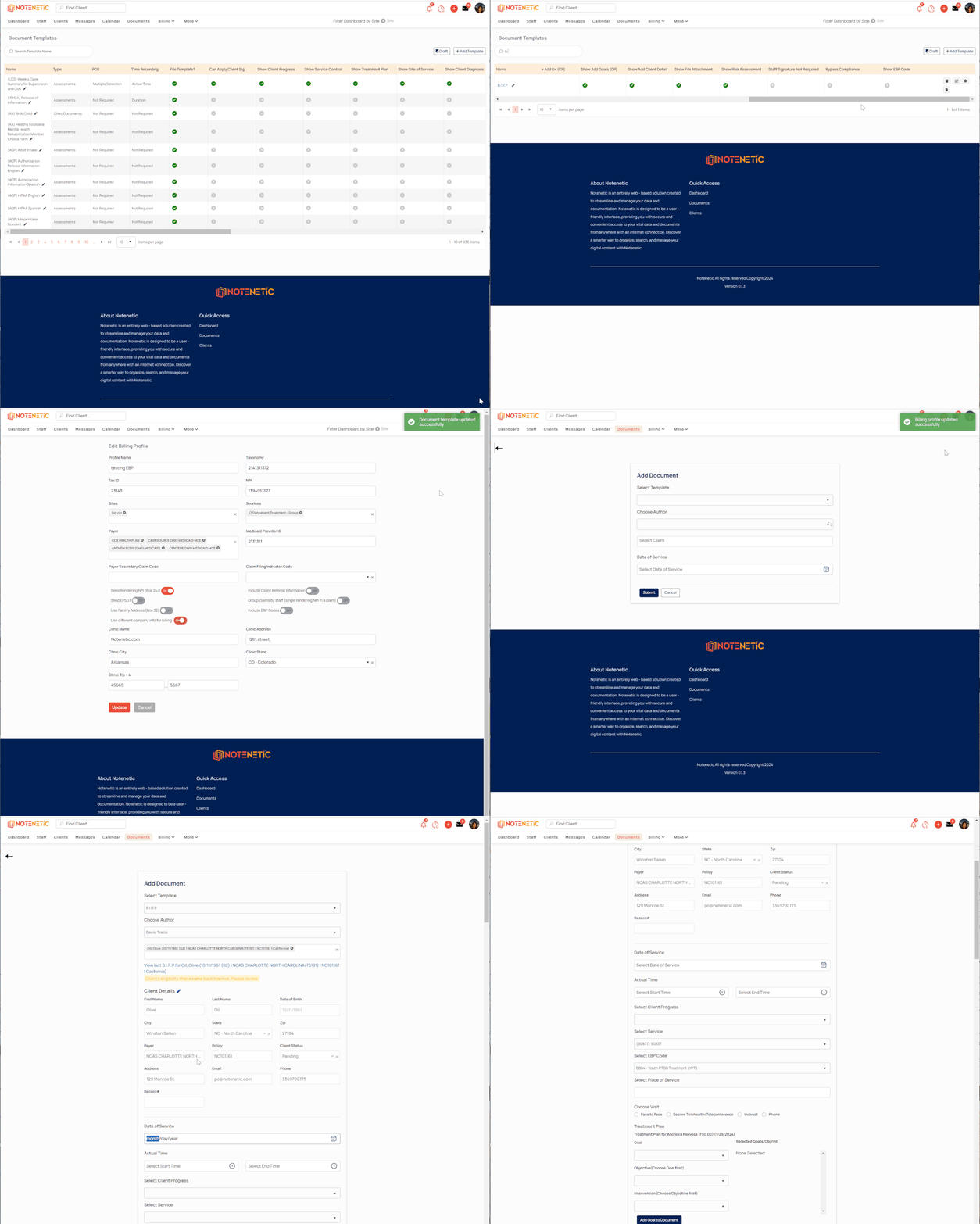
Steps to Enable EBP Codes on a Template
-
Go to More from the main menu
-
Select Document Templates
-
Locate the template you need to update
-
Scroll to the far right and click the gear icon to edit the template settings
-
In the settings modal, toggle on "Show EBP Codes"
-
Click Update/Save to apply changes
Tip: Once enabled, staff will see a section within the document to select the appropriate EBP code when completing the template.
Comments
0 comments
Article is closed for comments.